Stop switching between platforms to run your projects. Most real estate teams spread project admin across email threads, Dropbox folders, WhatsApp chats and download links. Briefs sit in one place.
Source files sit in another. Feedback lands somewhere else. And the finished work is often the hardest to find.
At Dream Chaser Nepal, we make project collaboration easier. Our dedicated client portal gives you one place to upload files, submit assignments, follow progress and collect completed work. You don't need another subscription in your stack.
One portal instead of five tools
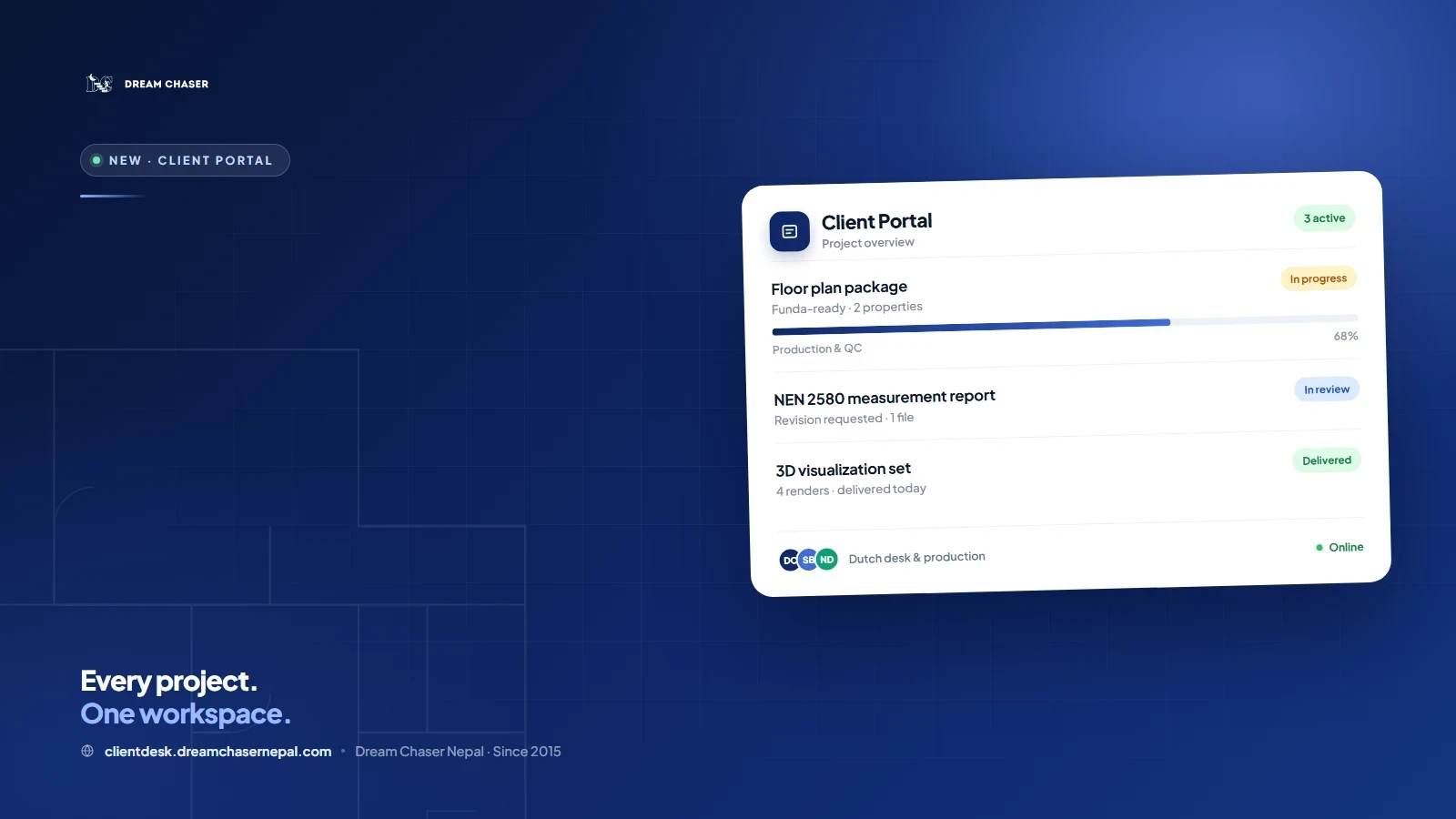
The client portal is a single workspace for every project you run with us. It replaces the usual mix of file-sharing links, chat messages and spreadsheets with one organised project view.
Table of Contents7 sections
That means no separate Dropbox subscription just to swap project files with our team. No hunting through old email attachments for the latest floor plan. No guessing whether the file in the chat is the final version.
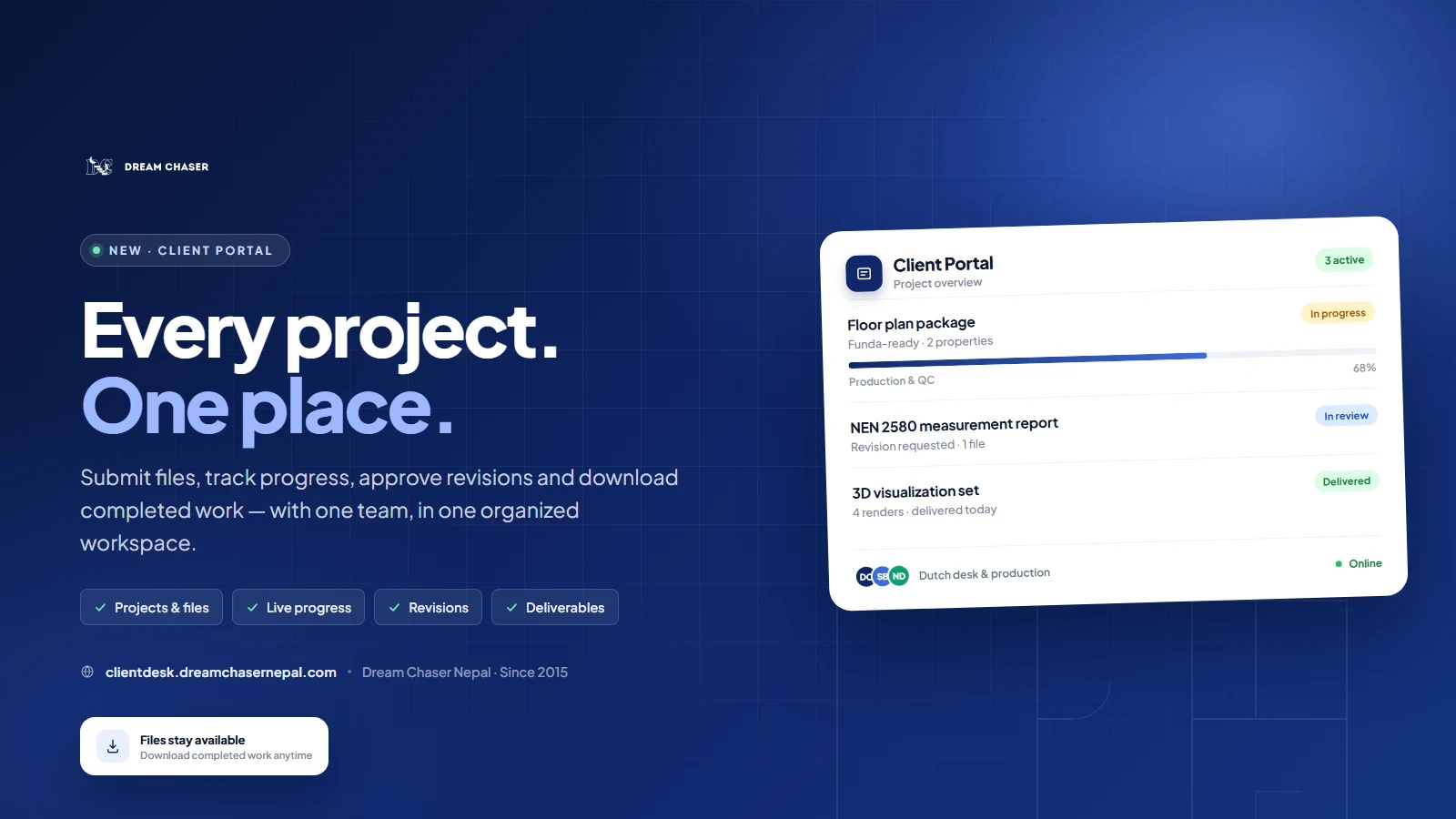
One workspace for projects, progress, feedback, and final files.
What you can do in the portal
Upload project files directly
Send sketches, CubiCasa scans, Matterport links, photos, point clouds, or reference material straight into the project. Files stay attached to the right property and the right job.
Submit assignments without separate file-sharing services
Briefs and source files live in the same place as the conversation and the deliverable. You don't need to send a Dropbox or WeTransfer link before work can start.
Track your projects
See where each job stands, from intake and drafting to quality control and delivery. No more status emails to find out whether a file is still in production.
Download completed files directly
Collect final floor plans, NEN 2580 reports (the Dutch standard for measuring floor area), renders, photos and videos from the project itself. Delivered work stays available instead of expiring from a temporary transfer link.
Keep communication and deliveries organised
Questions, approvals, revision notes and final files stay with the project they belong to. Everyone works from the same context: our Dutch desk and production team.
Request and follow up on revisions
Raise a revision on the project, add mark-ups or references, and follow the status until it is resolved. Feedback no longer disappears into a chat history.
A smoother workflow, from brief to delivery
Create your account. Visit clientdesk.dreamchasernepal.com/register and verify your email address.
Upload your first project. Add the brief and attach your source files directly in the portal.
Follow it through. Track progress, discuss revisions and download the finished files.
Works with every Dream Chaser service
The portal is built around the services we already deliver every day:
Funda-ready floor plans for Dutch property listings
NEN 2580 measurement reports with four-eye quality control
Vabi energy label support for compliant energy documentation
3D visualizations and video rendering for property marketing
Virtual tours and interactive property experiences
You can also use the portal for virtual staging, Matterport floor plans, AutoCAD drafting and our other production services.
Built for the way real estate teams work
Since 2015, we have supported agents, architects, developers and property marketers across the Netherlands and beyond. Our clients work to fixed listing dates, tight marketing schedules, and strict compliance requirements. The client portal removes the admin friction around that work, so the focus stays on the property.
The result is a more predictable turnaround, a clear record of every decision, and one source of truth for each deliverable. You can still reach us on WhatsApp or by email. The portal simply gives every conversation and file a permanent home.
Frequently Asked Questions
Do I need a Dropbox subscription to send files?
No. You can upload source files and briefs directly in the portal. There is no need to buy or maintain a separate file-sharing subscription just to work with our team.
Do I need a separate account for every service?
No. One account covers every service you use with Dream Chaser Nepal, including floor plans, measurement reports, energy labels, 3D visuals, and media production.
Can I still contact the team by email or WhatsApp?
Yes. The portal does not replace direct contact. It keeps project files, feedback and approvals organized so those conversations stay clear and easy to trace.
What happens to my files after a project is delivered?
Completed work remains available in your portal, so you can download it again when you need it rather than searching for an old transfer link.
Ready to bring your projects into one portal?
Create your account and upload your first project. It takes a few minutes, and everything stays in one place from there.