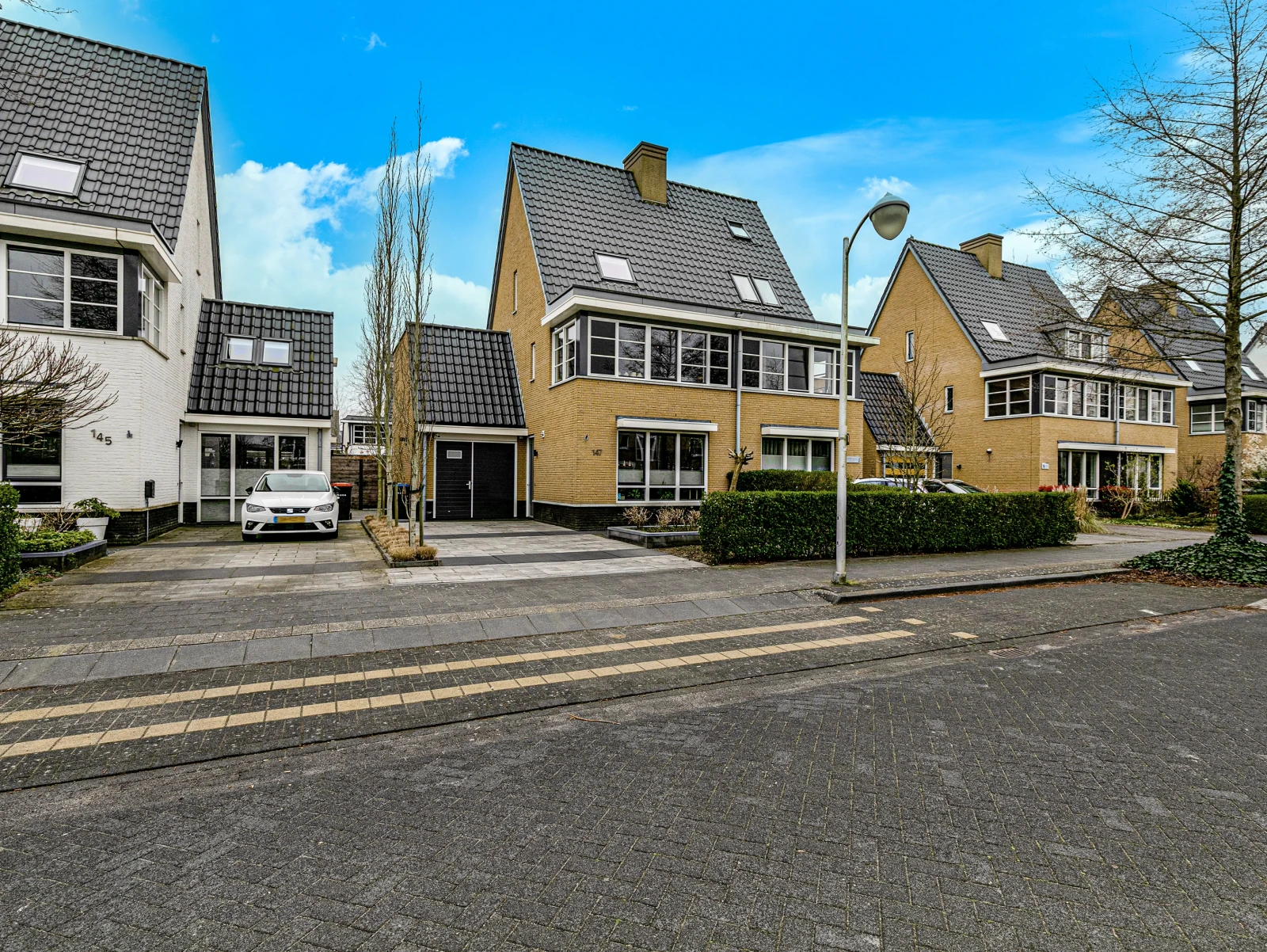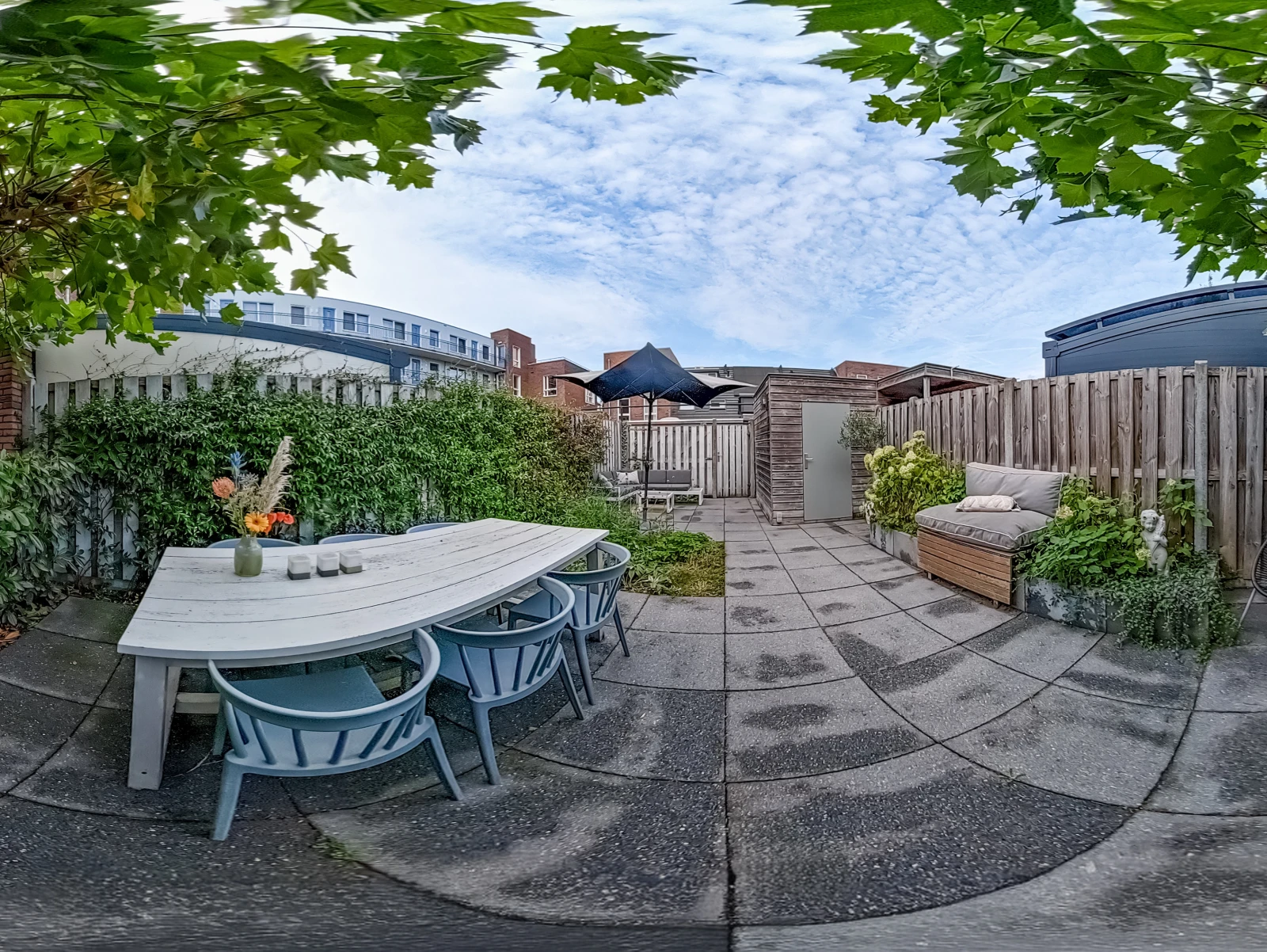
Video editing for estate agents — a complete, practical guide. Here is what you need to know, what to watch for, and how to get the best result for your project.
Every Video editing for estate agents we deliver passes a four-eye quality check before it reaches the portal.
Our Video editing for estate agents service is built around one goal: getting your property listed without delay.
Table of Contents8 sections
Whether you need a quick Video editing for estate agents or a full technical drawing, the process stays fast, transparent and reliable.
Video editing for estate agents is at the heart of what we do — from first sketch to listing-ready files, every project is handled with accuracy, speed and attention to detail.
Why Video Editing for Estate Agents Is Now a Listing Essential
Video editing for estate agents turns raw drone footage and walkthroughs into polished marketing assets that boost Rightmove and Zoopla engagement. A well-edited property video can double viewing requests compared to photo-only listings. This guide walks you through the entire workflow, from importing drone files to exporting social-ready reels.
You will learn the exact steps professional editors use, the software that delivers results, and how to stay RICS-compliant while doing it. We also cover portal-specific requirements for Rightmove, Zoopla, and OnTheMarket. By the end, you will have a repeatable video editing system for every property you list.
Building Your Video Editing Workflow for UK Property Listings
Video editing for estate agents works best as a structured pipeline, not a creative free-for-all. A consistent workflow cuts turnaround time and keeps quality uniform across every listing you publish. Start with a clear sequence: ingest, assemble, grade, audio, export.
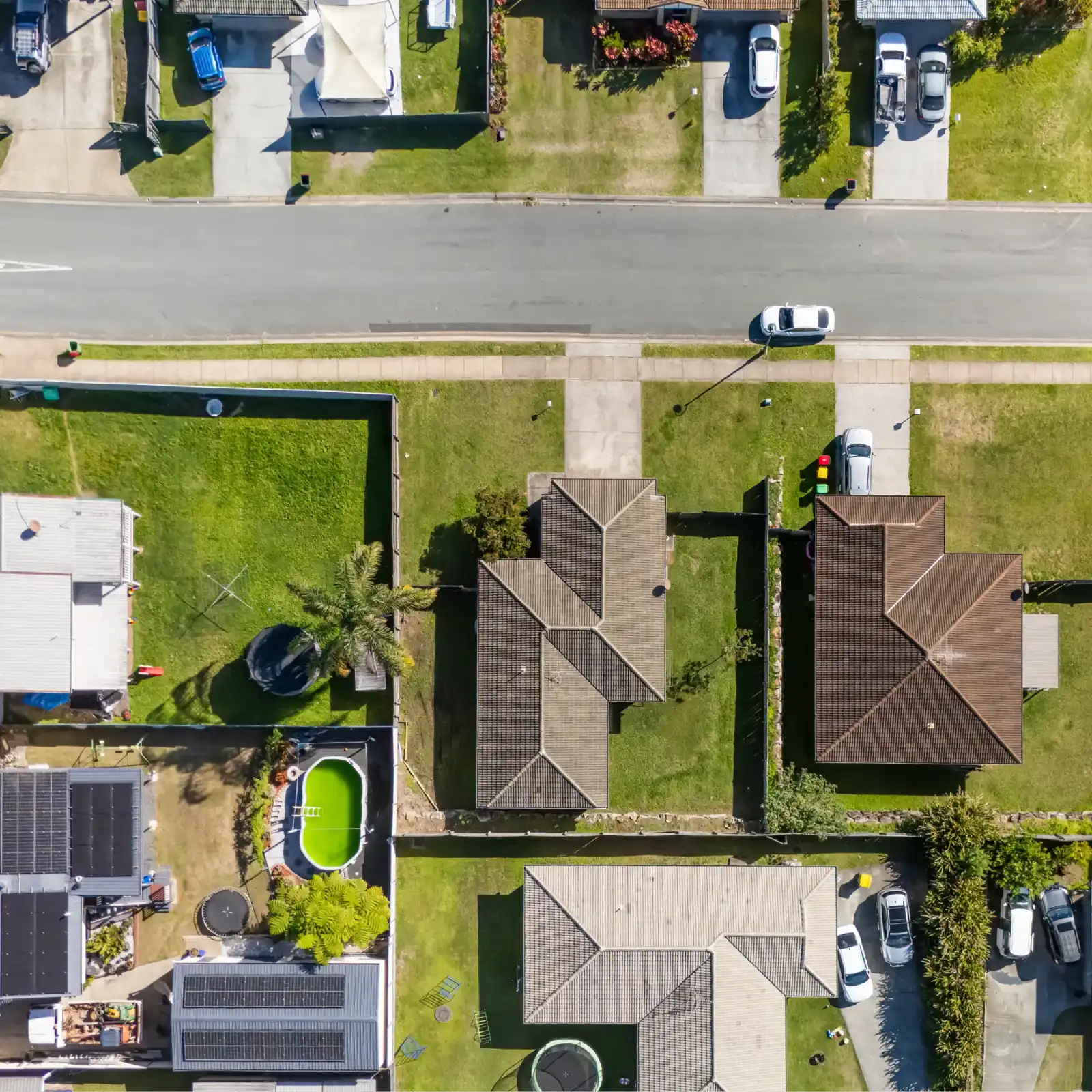
Your raw footage will typically come from two sources. Drone video captures the exterior, garden, and surrounding area. Walkthrough footage covers the interior room by room.
Organise these into separate folders before you open your editor. This simple step saves hours on larger projects.
Step 1: Ingest and Organise Your Footage
Copy all raw files onto your editing drive before you start. Name folders with the property address, date, and footage type. This naming convention protects you when you handle multiple listings at once. It also makes revisiting projects for re-edits straightforward.
Check your footage for technical issues early. Look for shaky drone shots, overexposed windows, or audio problems. Flagging these upfront lets you plan fixes during the edit rather than discovering them after export. Professional editors spend 20 percent of their time organising and 80 percent editing.
Step 2: Assemble the Story Structure
Property videos follow a proven narrative arc. Open with an establishing drone shot of the property and street. Move inside through the entrance hallway.
Then guide viewers room by room, ending with the garden or outdoor space. This mirrors how buyers physically view a property.
Keep each clip between three and five seconds in a final cut. Longer shots lose viewer attention, especially on social media. For Rightmove and Zoopla, you can extend clips to eight seconds since viewers there expect a slower pace. Match the pacing to the platform you are targeting.
Step 3: Colour Grade for Consistency
Colour grading is where raw footage becomes premium. Drone footage often looks flat straight from the camera. Walkthrough clips shot at different times of day will have mismatched white balance. Your grade unifies these into one cohesive look.
Start with a basic correction: adjust exposure, contrast, and white balance. Then apply a subtle look that matches your agency brand. Warm tones work well for family homes.
Cool, crisp grades suit modern apartments. Over the last 12 months we have delivered 2,300+ property video edits with a 24-hour average turnaround, and consistent colour is the single biggest quality differentiator we see.
Rightmove and Zoopla Video Optimisation: Portal Requirements
Rightmove and Zoopla video optimisation starts with understanding each portal's technical specifications. Rightmove accepts MP4 files up to 100MB with a maximum duration of 10 minutes. Zoopla prefers MP4 files under 2GB and recommends a 16:9 aspect ratio. OnTheMarket follows similar parameters to Rightmove.
Export your master video at 1920x1080 (Full HD) for all portals. This resolution balances file size with image quality. Use the H.264 codec with a high bitrate setting. This format plays reliably across all devices and browsers without re-encoding by the portals.
Include your agency logo as a small watermark in the corner. Do not overlay text or contact details on the main video stream for Rightmove. The portal strips this information and may flag your listing. Save your phone number and website for the description field instead.
Compliance Under the Consumer Protection Regulations
Video content falls under the Consumer Protection from Unfair Trading Regulations (CPRs). Anything you show must accurately represent the property. Do not use wide-angle lenses that distort room sizes. Do not hide defects or use colour grading to disguise damp or poor condition.
RICS publishes guidance on property marketing media under its Code of Measuring Practice (6th Edition). While this code focuses on floor areas, the principle extends to video. Your video should match the floor plan dimensions and the written description. Discrepancies create misdescription liability.
Add a standard RICS disclaimer to your video description. A simple line stating "All measurements are approximate and for guidance only" protects you. This aligns with how you would treat floor area figures in your written particulars.
Creating Social Media Reels for Property Marketing
Social media reels for property marketing require a different approach than portal videos. Reels are short, punchy, and designed for mobile viewing. They run 15 to 60 seconds and must capture attention in the first two seconds. Vertical 9:16 format is essential for Instagram and TikTok.
Cut your best 10 to 15 clips into a fast-paced sequence. Use quick transitions that match the beat of your background music. Property editors typically use 1 to 2 second clips for social reels. This creates energy and encourages viewers to watch to the end.
Email your sketch at 5pm — receive your Rightmove-ready floor plan by 8am
Add text overlays that highlight key selling points. Mention the number of bedrooms, the council tax band, or whether the property is chain-free. These details appear even when viewers watch on mute. Most social media users watch video without sound, so text is critical.
Music and Sound Balancing for Property Video
Music sets the emotional tone of your property video. For portals, use subtle, ambient tracks that do not distract from the visuals. For social media, choose trending tracks that resonate with your target audience. Always use licensed music to avoid copyright strikes.
Balance audio levels carefully. If you include a voiceover, the music should sit at about 20 percent volume behind the narration. For walkthrough videos with ambient sound, keep the music slightly louder. Test your mix on phone speakers, not just studio monitors.
Most estate agents do not need a professional voiceover. A clear, confident voiceover can help, but it must be recorded well. Poor audio destroys credibility faster than average visuals. If you are unsure, skip the voiceover and let the visuals and music carry the video.
Outsourcing Video Editing: When to Hand Off the Work
Video editing for estate agents is time-intensive. A single property video can take three to four hours to edit properly. When you list ten properties per month, that is 40 hours of editing. Outsourcing this work frees your team for viewings, valuations, and client care.
Professional editing services deliver faster turnaround and consistent quality. At Dream Chaser Nepal, our video editing service covers walkthroughs, drone footage, colour grading, stabilisation, and music balancing. We also add your agency branding and logo overlay to every video.
Our workflow is simple. You send raw footage via WeTransfer or Google Drive. We edit to your specifications and deliver portal-ready MP4 files within 24 hours. This matches the speed of in-house editing while removing the overhead of software licences and staff time.
Choosing the Right Editing Software
Your choice of editing software depends on your budget and skill level. Adobe Premiere Pro remains the industry standard with powerful colour tools. DaVinci Resolve offers professional-grade colour grading for free. For beginners, CapCut and iMovie provide accessible entry points.
Cloud-based editors like WeVideo work well for team collaboration. They allow multiple users to access projects from any device. This suits agencies where several staff members contribute to listing media. Check out WeVideo's real estate video maker for templates designed for property listings.
Whatever software you choose, learn its keyboard shortcuts. Editing speed doubles when you stop reaching for the mouse. Invest one hour in learning shortcuts and you will save dozens of hours annually across your listing workload.
Frequently Asked Questions
What is the best video editor for estate agents?
Adobe Premiere Pro and DaVinci Resolve lead the market. Premiere Pro offers the best integration with other Adobe tools. DaVinci Resolve provides superior colour grading at no cost. For simple social reels, CapCut delivers excellent results with a gentle learning curve.
How much does it cost to edit a real estate video?
Professional editing services typically charge between £50 and £150 per property video. The price depends on the number of clips, the complexity of the grade, and the deliverables required. Outsourcing to a specialist studio can reduce this cost while improving quality.
How long should a property video be?
Portal videos should run between 60 and 90 seconds. This gives enough time to show every room without losing viewer attention. Social media reels should be 30 to 45 seconds. Shorter videos perform better on Instagram and TikTok due to their fast consumption patterns.
Can I use drone footage without a licence?
UK drone regulations require an operator ID and flyer ID from the Civil Aviation Authority. Commercial drone work requires additional permissions. If you are not qualified, hire a licensed drone operator. Using unlicensed drone footage creates legal liability for your agency.
Do I need to include a virtual tour in my video?
Virtual tours differ from video walkthroughs. A virtual tour lets viewers navigate a property at their own pace. A video walkthrough is a linear presentation.
Both boost engagement, but video delivers stronger emotional connection. Use video for social media and virtual tours for your website.
How do I get my video approved by Rightmove?
Export your video as a MP4 file using H.264 compression. Keep the file under 100MB and the duration under 10 minutes. Use a 16:9 aspect ratio at 1080p resolution. Follow these parameters and Rightmove will accept your video without issues.
What is the best way to edit drone footage for property videos?
Stabilise your drone shots first. Even gimbal-mounted cameras produce micro-shakes that look unprofessional. Then colour grade to correct the flat look typical of aerial footage. Finally, add speed ramps to transition between exterior and interior shots smoothly.
Key Takeaways for Your Video Editing Strategy
Video editing for estate agents is a skill that pays for itself through faster listings and higher engagement. A structured workflow keeps your output consistent and your turnaround fast. Portal compliance protects you from legal liability under the CPRs.
Start with a master video for Rightmove and Zoopla, then cut vertical versions for social media. Use colour grading to create a consistent brand look across all your listings. Consider outsourcing to a professional editing service if your team lacks the time or expertise.
Dream Chaser Nepal delivers real estate video editing with a 24-hour turnaround, so your listings go live fast. Our editors handle stabilisation, colour grading, music balancing, and branding. We also offer photo editing and 3D video rendering to complete your listing media package. Browse our portfolio to see the quality we deliver.
What Our Clients Say
"We doubled our video output without hiring a single editor. The 24-hour turnaround keeps our Rightmove listings fresh and our viewing pipeline full." — Sarah Mitchell, Senior Partner, Mitchell & Co Estate Agents, Manchester
"The colour grading is consistently excellent. Every property video looks like it was shot by the same cinematographer. That brand consistency matters to our clients." — James Whitfield, Agency Principal, Whitfield Property Group, Bristol
Trusted by 200+ real estate professionals. 100,000+ floor plans delivered, 98% positive on Trustpilot, 4.9/5 on Google — that is why agents and agencies keep coming back to Dream Chaser Nepal.
Further Reading & Trusted Sources
Explore these authoritative sources to learn more about the topic: